
Documentation › Getting started
Your address and signing in
Each organization has its own address such as yourcompany.embirobi.com. How to sign in there, reset a forgotten password, and use Google or SSO.
Your organization's address
Every organization has its own web address:
https://<your-address>.embirobi.com, for examplehttps://kampala-traders.embirobi.com;- or your own domain, such as
https://bi.yourcompany.co.ug, if your plan includes custom domains.
Everything you do happens at that address: signing in, building and viewing dashboards, settings. Links you share with colleagues use it too.
app.embirobi.com is the main address. It is where people sign up and where the Google and single sign-on round trips start. If you sign in there with a password, the sign-in page tells you to use your organization's address instead. If you don't remember it, click Don't know your organization's address? Email it to me, enter your email, and we email you the address.
Signing in
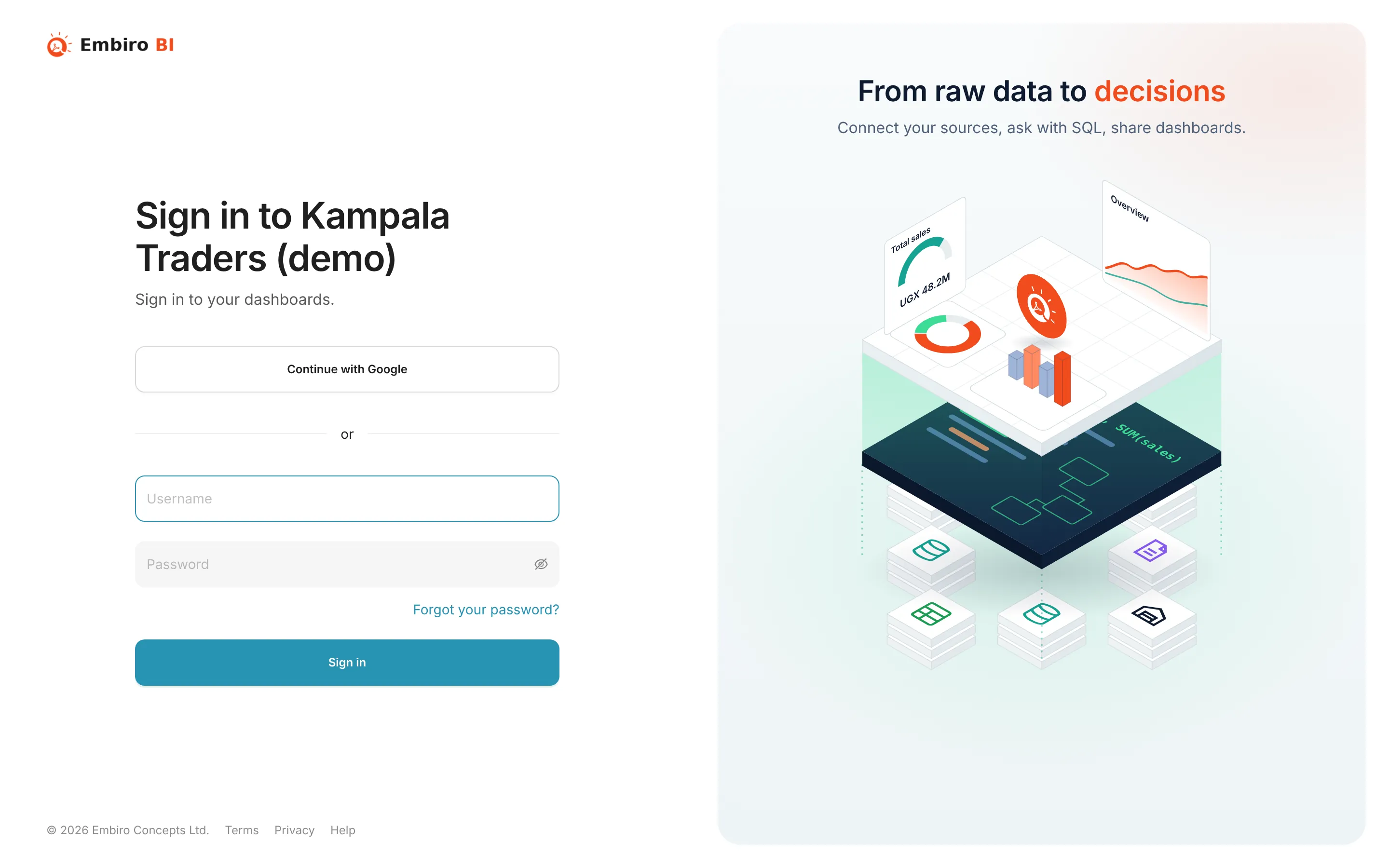
The sign-in page at your address shows Sign in to followed by your organization's name. It offers:
- Username and password. This always works for the Super Admin.
- Sign in with Google, when your plan includes Google sign-in and single sign-on is not enforced.
- Sign in with SSO, when your organization has set up single sign-on. It takes you straight to your company's identity provider, such as Microsoft Entra ID, Google Workspace or Okta.
Only members of the organization (and consultants it has invited) can sign in at its address.
Forgot your password
- On the sign-in page, click Forgot your password?
- Enter your email address and click Send me a link.
- Open the email from
no-reply@embirobi.comand click the link within an hour. The link works once. - Choose a new password.
For your security, the page never says whether an account exists for an email address. If no email arrives within a few minutes, check your spam folder, then ask your organization's Super Admin or Admin. They can send you a temporary password from Settings → Team Members.
Changing your password
Signed in, open the user menu (your initials, top right) → Info → Reset my password. You need your current password.
Belonging to more than one organization
If you are a member of more than one organization, for example as a consultant, the organization picker in the user menu lists them. Choosing one takes you to that organization's address. Each organization's content stays separate.
Something unclear or missing? Tell us and we'll improve this page.